Communication
Why is communication important?
Having the right facts helps you make smart choices. Fear often comes from the unknown. Information is power. Accurate information gives us the ability to make correct decisions. The more we know about the situation we’re facing, the more confident we will be that we can overcome it.
Communication is often the first thing lost in emergency situations. It’s all about giving and receiving information. Have plans in place to receive info about what’s going on and plans to communicate with family and friends. Power lines, phone towers, and radio stations can break or get overloaded. You could even get hurt and lose your ability to speak, hear, or see clearly. Never rely on just one way to get or send information. Having backup plans helps you find and reunite with family and friends faster.
- Have backup tools: Keep extra supplies like a battery-powered radio, power banks, or two-way radios.
- Use multiple ways to share info: Practice different ways to send messages, like texting, email, social media, or meeting at a set spot.
- Don't depend on just one source: Check different places like local news, weather alerts, official websites, and official social media accounts to get the full story.
Communication action list
- Learn what to do when you call 911.
- Learn what information you need in an emergency.
- Learn how to get information during an emergency.
- Create family communication plans.
- Create family reunification plans.
- Get involved in the emergency plans for your neighborhood.
- Add communication supplies to disaster supply kits.
- Learn different kinds of emergency signaling.
- BONUS: Get a HAM radio operators license.
Calling 911 in an emergency
When to Call 911
- Only call 911 there is a life threatening situation, to report a fire, or to report a crime in progress. For everything else, use the non-emergency phone numbers.
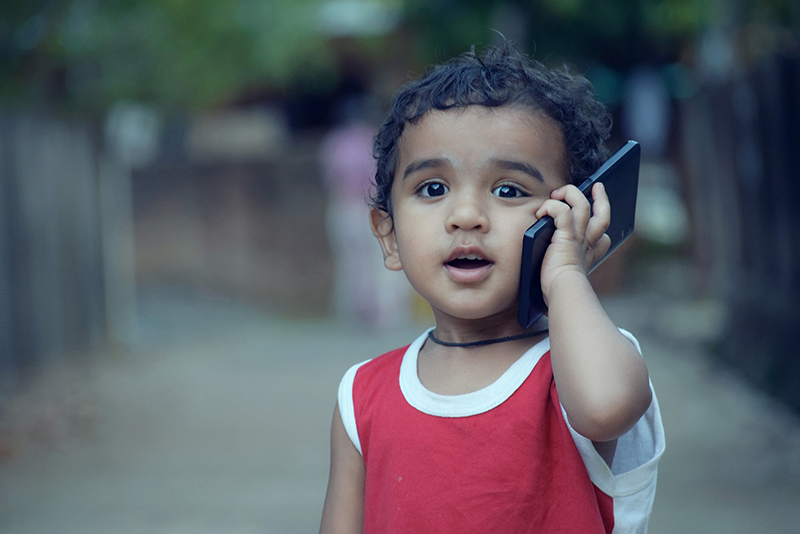
- Teach children how and when to call 911 and other emergency numbers.
- If you need to evacuate the area, get to safety first and then call 911 from a safe location.
What to do during the call
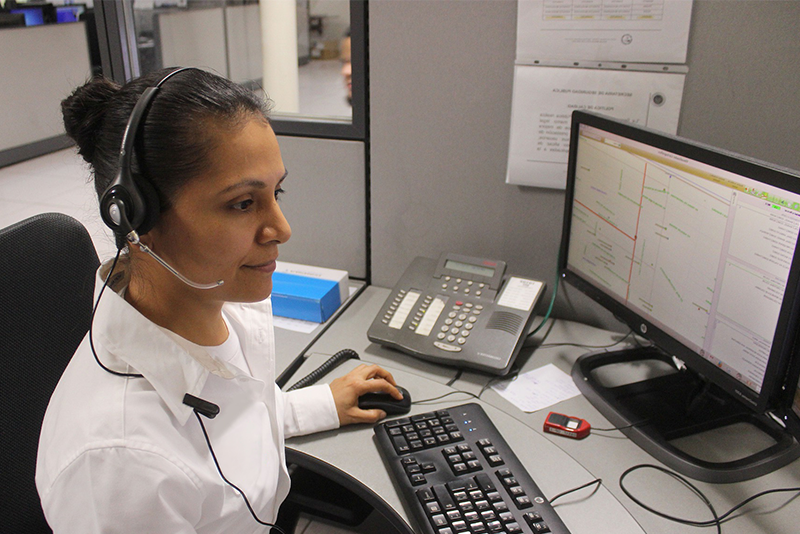
- Give the location first: Tell the operator your street address, city, nearby landmarks, and exactly where you are in the building. If the call drops, help will still know where to go.
- Other information to give to the dispatcher in an emergency:
- Name of caller
- What happened or the nature of the emergency
- If there are injuries, the number and condition of the injured
- Help given to the injured
- Stay on the line: Do not hang up until the operator tells you it is okay.
- If you call by mistake: Never hang up! Wait for the operator to answer and explain it was an accident. Otherwise, police may come to your home to check on you.
Information needed in an emergency
In an emergency, you might have to act very fast. While it is good to get as many details as possible, you do not need to know everything before making a choice. Use your best judgment for when to act and stay safe.
Understand Emergency Alerts
- WATCH: Be Prepared. Issued well in advance to alert the public of the possibility of a particular weather-related hazard (e.g., tornado watch, flash flood watch). Occurrence, location, and timing may still be uncertain.
- ADVISORY: Be Aware. Issued for weather that causes significant inconveniences and if caution is not exercised, could lead to life-threatening situations. Significant events are occurring, imminent, or have a very high probability of occurrence.
- WARNING: Take Immediate Action! Issued when a weather or flood hazard is imminent or already occurring (e.g., tornado warning, flash flood warning). Conditions are posing a threat to life or property.
Key questions
- What’s going on? Nature of the emergency.
- How bad is it? Severity.
- Where is it happening? Areas affected.
- How long will it last? Estimated duration.
- Should I stay or go? Shelter where you are or evacuate.
- What else should I do? Extra instructions from official leaders.
- Is my family safe? Where everyone is and how they are doing.
- Are my neighbors okay? Check to see if you can help others once you are safe.
Emergency information sources
Always compare emergency information from more than one place. Some information on the internet and social media just a rumor or is completely wrong. Also, the very first reports on TV and the radio might not have all the facts yet. Use the best information you can find to make decisions and stay safe.
During a disaster, you can get information and alerts from many different places. Each source has its stregths and weaknesses. Here are some sources available to you:
Emergency Alert System (EAS)
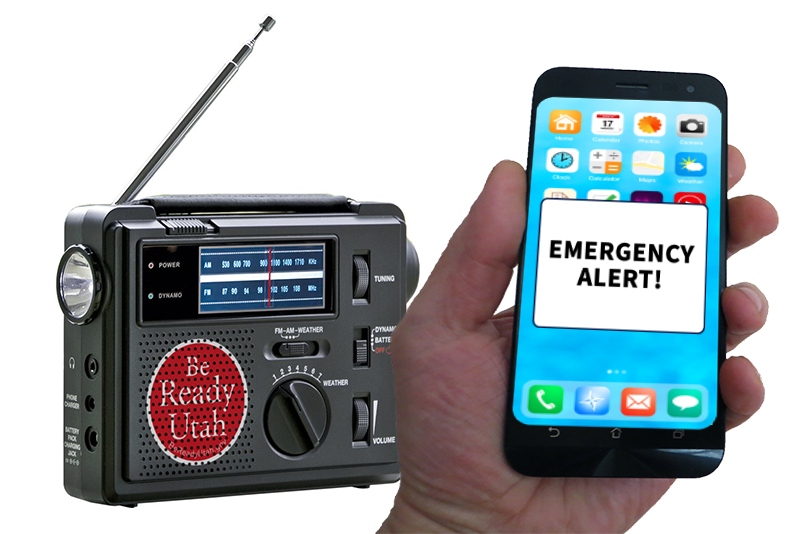
The Emergency Alert System (EAS) is a national public warning system mostly used by state and local authorities to send emergency information, like weather and other emergency alerts. You have probably seen alerts and test messages on TV or heard them on the radio. If you see a real alert, follow the directions right away.
Radio, television, cable, and satellite radio stations transmit local alerts on a voluntary basis during an emergency.
KSL radio 1160 AM is designated as the primary emergency communication partner for the Utah region. EAS is also used for Amber Alerts.
Even if the power is out and you can't find the battery backups to your home radio, you always have a working radio that gets EAS information in your car.
Wireless Emergency Alerts (WEA) and local alert systems
WEA alerts can be sent by the federal government, the state, or a county, depending on the incident. You do not sign up to receive these. Messages are sent to all the cell towers in a specific geographical area that need to get the alert.
If your phone or device is within the range of the tower, and your phone says that you are in the affected area, you should get the alert. The messages that you probably receive the most often on this system are Amber Alerts.
Local alert systems are different from WEA alerts. These are usually done by your county and you have to sign up to use them. Everbridge, AlertSense, and CodeRED are three that are used in Utah. Anyone who is on the list will receive the alert, whether you’re in the area or not. Check your county emergency management webpage for information on how to sign up.
NOAA weather radio and tone alert radio
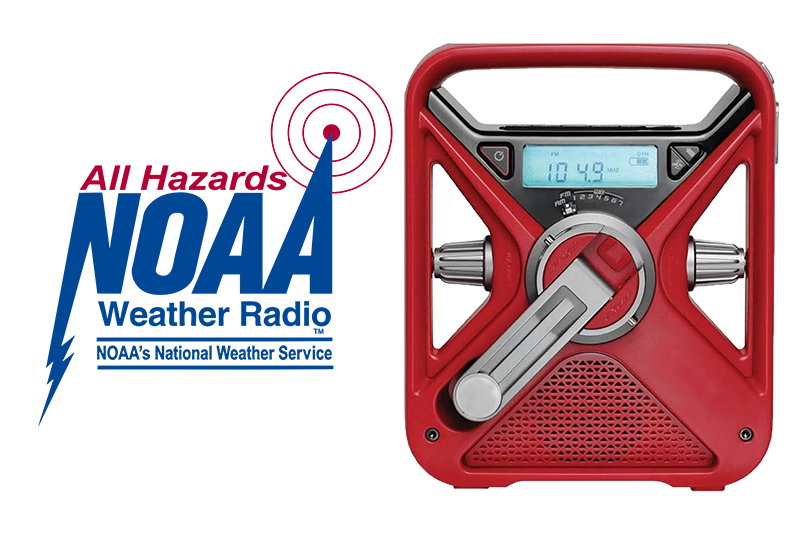
These radios are different from your regular AM/FM radios. They continuously receive regular weather information from National Weather Service (NWS) stations in the local area. Utah has the NWS station out of Salt Lake City and another out of Grand Junction, Colorado.
In addition to normal weather, they also broadcast alerts for severe weather and other non-weather-related hazards.
Many emergency radios can receive the NOAA weather frequencies, but tone alert emergency radios, have an alert setting that when activated, will automatically turn the radio on if there is an emergency alert. This allows you to receive the alert if you are sleeping or the radio is otherwise off.
Check with your local emergency preparedness or outdoor retailer to see what radio is right for you.
Highway message boards
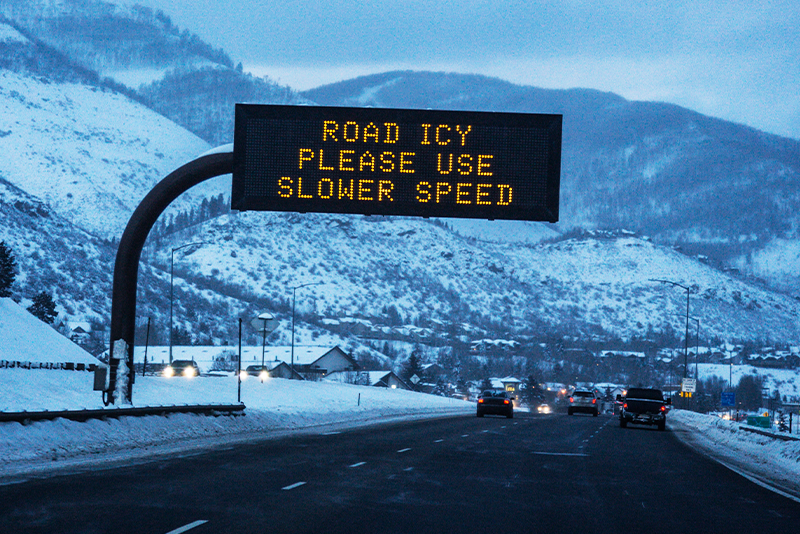
These are the messages you see as you’re driving down the highway. They usually remind you to put on your seatbelt, but are also used for Amber and Silver alerts, accidents, other road hazards, and alerts for bad weather conditions.
Route alerting
This is when response personnel go through neighborhoods and give emergency information via loud-speaker or by going door-to-door. This is used in small areas when there is limited time to get the alert out, like during an evacuation for flood or wildfire.

Social media
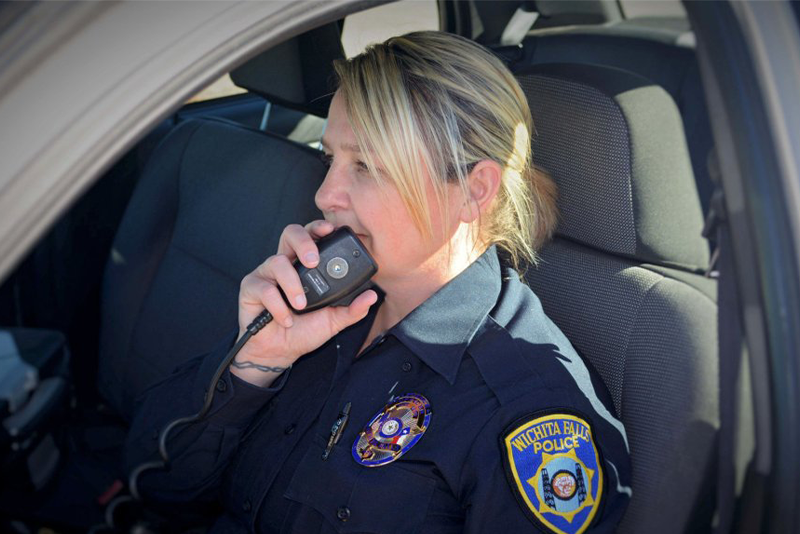
Follow state, county, city, law enforcement, fire rescue, and other emergency response and management authorities in your area on Facebook, X (Twitter), Instagram, and other social media to know about incidents and to get non-emergency information in the local area.
Follow #hashtags for information on specific incidents, but know your sources – there is a lot of misinformation, wrong information, and bad information on social media and on the internet.
Family communication plans
Are mobile phones going to work in a disaster?
The answer is … maybe.
If your phone doesn’t lose power, if the cell towers are still functioning and if the networks are not overloaded, then maybe you can use your mobile phone. It’s your first method of communication. You may as well include it in your communication plans, as long as you understand its limitations and have other backup means of communicating.
One thing you can do to help minimize the mobile communication issues during an emergency is to only use your mobile when you need to, and even then, to text instead of call. A text is just one small burst of information that only needs to be connected for an instant. A call takes much more bandwidth and must maintain the connection throughout the call.
Satellite phones are a good option, but even though they are becoming more affordable, they are for now outside of most people’s price range.
Emergency contact information
During an emergency, you might need to reach family, friends, schools, jobs, doctors, or insurance companies. Most of us do not memorize phone numbers anymore because they are saved in our cellphones. But what if your phone dies, gets lost, or stops working?
It is crucial to keep printed copies of important contact numbers in your wallet, backpack, car, work desk, and emergency kits. You can download and print emergency contact cards online, fill them out, and share them with loved ones. Taking a few minutes to do this simple step can save a loved one's life.
- Save emergency and non-emergency numbers for ambulance, fire rescue, police, doctors, medical specialists, and veterinarians in your cell phone.
- Post emergency phone numbers and your home address right next to home landline phones.

Organize your family/household plan
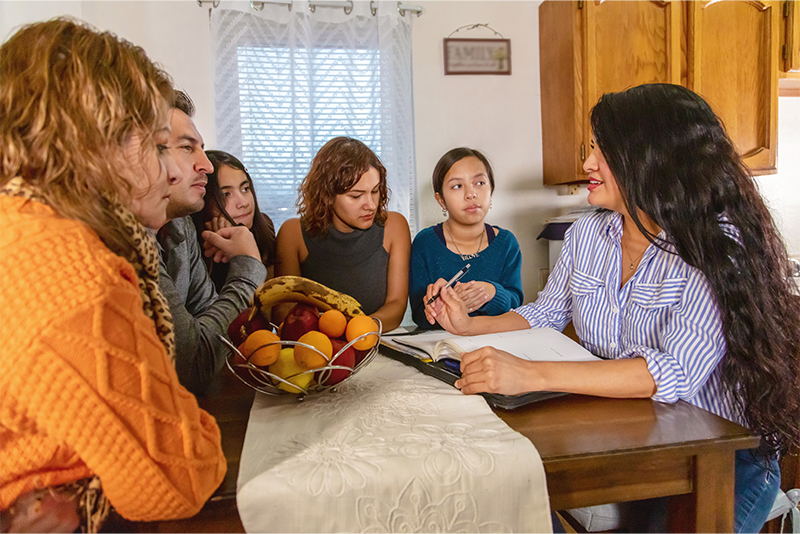
Sit down with your family to figure out who will do what, where you will go, and how you will stay in touch. Have a family chat about how you would handle different situations, such as:
- Evacuating vs. sheltering at home: Deciding when to leave your house or stay inside.
- Timing: How your response changes during the day, at night, on weekdays, or on weekends.
- Scale: Handling a personal family emergency versus a citywide disaster.
- Daily routines: Learn the emergency plans for your family’s schools, workplaces, and daycares. Collect all addresses, phone numbers, emails, and schedules for these places and add them to your master contact list.
Safety tip: Create a secret code word for times when you cannot pick up your child. Give this word to a trusted adult who can pick them up instead. Teach your child never to share the code word with others, and change it at least once a year.
Out-of-area emergency contact
After a major disaster, local phone lines and cell towers are often overloaded. However, long-distance text messages and emails can sometimes still get through. This is especially true with a phone call from a landline.
Pick a friend or relative who lives out of your county or region to be your main emergency contact. If family members are separated when disaster strikes, everyone should text this contact to report that they are safe and to share their location. The emergency contact can then text the head of the household.
- Ask for permission before choosing your out-of-state contact so they know their role.
- Make sure every family member knows who to call and when.
- Offer to be that person's out-of-area contact in return.

Family group chats
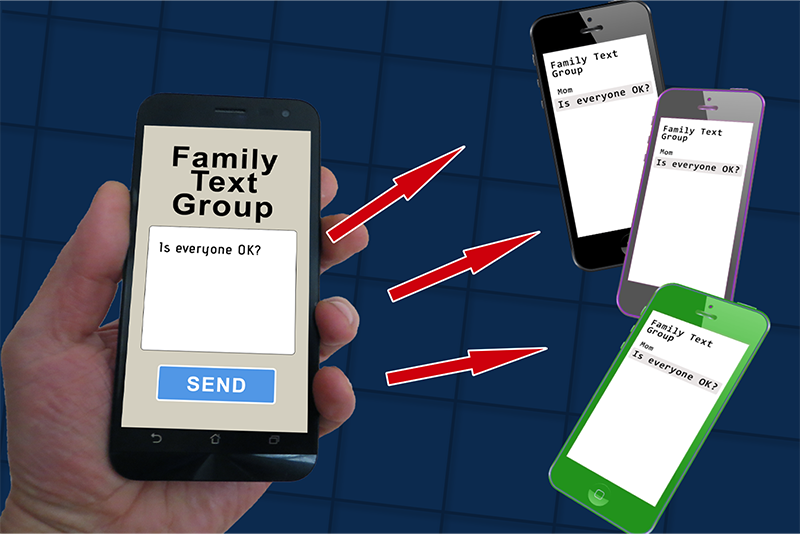
Set up text groups, email lists, or group chat apps on your phone ahead of time. This lets you send a single update to your whole family at once. Test these groups regularly and update them whenever someone changes their phone number or email address.
Family reunification plans
An important part of your family emergency plan is knowing what to do if something happens while family are away from home and phones are not working. You should pick at least two meeting spots where your family can gather if you have to leave home or can’t go back home. If communication is not possible in an emergency, everyone knows to meet at specific locations.
1. Outside your home
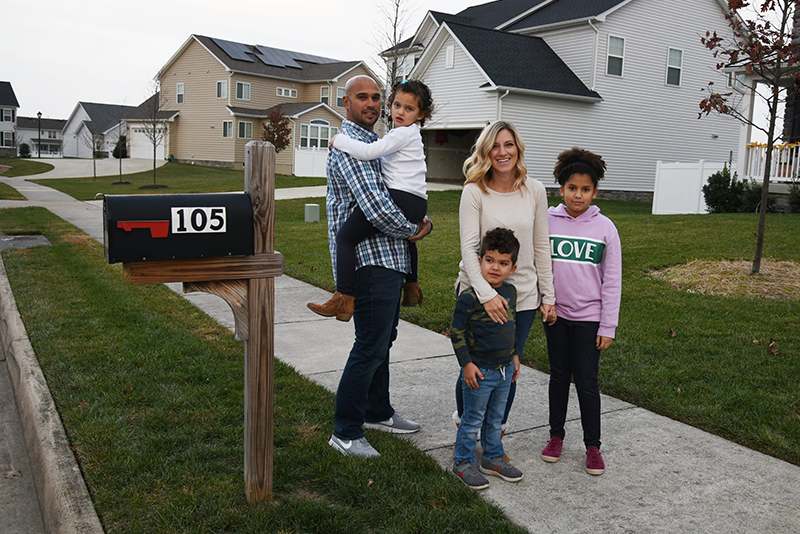
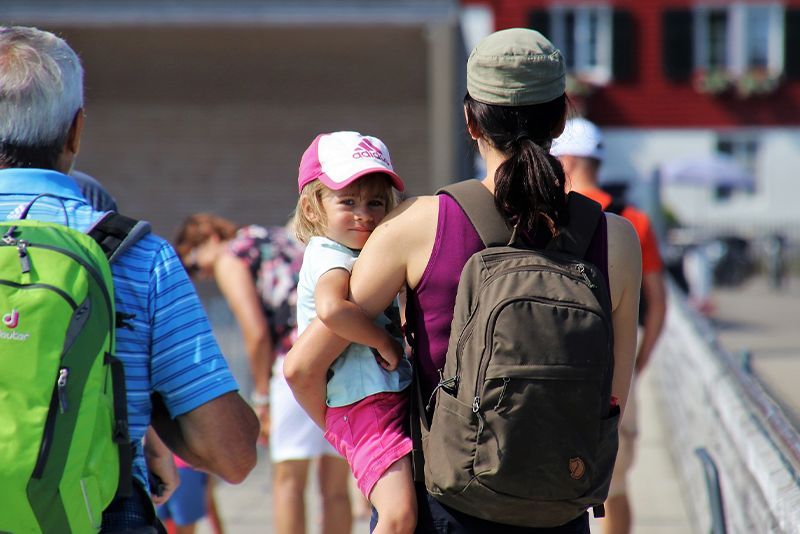
Choose a spot that is far enough away to be safe from a house fire, but still close enough that you can see your house. Pick an exact location. Instead of saying "the park," pick a specific bench or tree. Instead of "the neighbor’s house," choose the far edge of their driveway.
Make sure young children know to wait at this spot until a parent or trusted adult comes to get them. If you have younger kids, pick a spot on the same side of the street as your house so they don't have to cross the road during the confusion of an emergency.
Practice evacuating to this spot at least twice a year.
2. Outside your neighborhood
Your second meeting place is in case of an evacuation where family members at home need to leave, or others who can’t get home because there is no longer access to the neighborhood. This secondary meeting place needs to be far enough away to be out of the immediate neighborhood, but close enough that it can be walked to if necessary. Probably around two or three miles. Remember to make changes to your plans to accommodate those in your household who may have mobility issues.
Again, choose a specific location. This is for if something happens, like a hazardous materials spill that requires the evacuation of your whole block or neighborhood. Like the out-of-area contact, ask a trusted friend or relative if you can go to their house as a secondary evacuation area before an emergency happens. Volunteer to be theirs as well.
Everyone needs to know where the meeting places are, how to get there, and when they need to go there. It’s a great idea to have everyone walk from home to your meeting area periodically – and bring your disaster supply kits with you.
Neighborhood communication plans
Talk to your local emergency manager to see if your neighborhood has an emergency plan.
Home emergency status program
During a large disaster, emergency crews must focus on the places that need help the most. Many cities use the Home emergency status program to check on neighborhoods quickly.
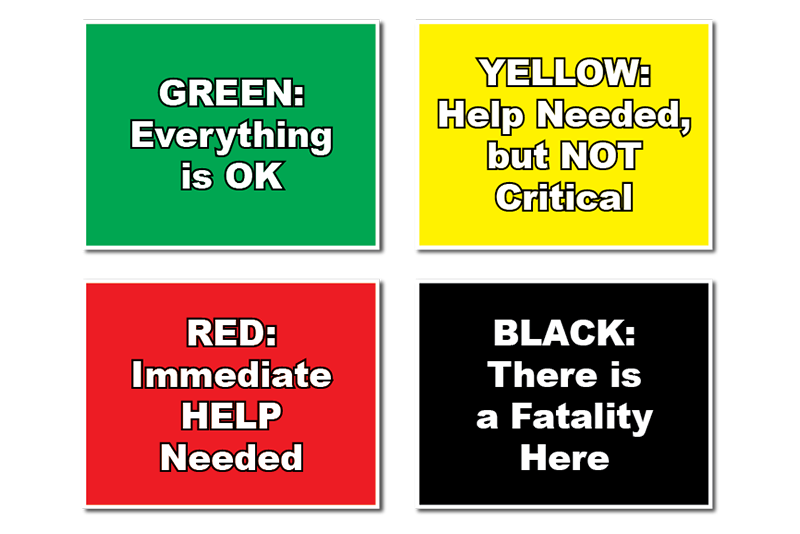
This program lets emergency workers or neighborhood leaders drive down the street and immediately see how homes are doing. Residents keep four colored cards or flags (green, yellow, red, and black) near a front window or doorknob. After a disaster, check your home, then show the right color:
- Green means everyone is okay.
- Red means you need help right away.
- Yellow means you need help, but it is not an immediate emergency.
- Black means someone has died.
Do not mix green with any other color. Never use red and yellow together, though you can use either one alongside black.
Two-way radios
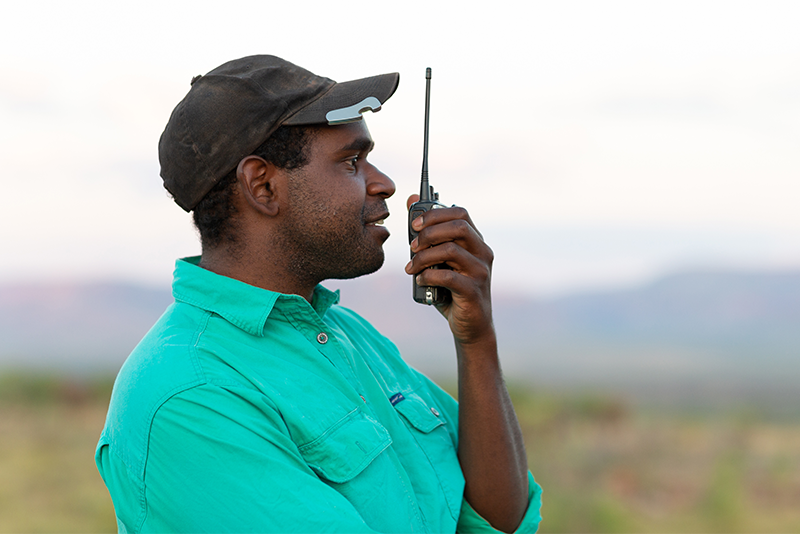
FRS (Family Radio Service) and GMRS (General Mobile Radio Service) two-way radios are popular for outdoor activities and work. Many radio packages claim they work up to 25 miles away, but that only applies if nothing is blocking the signal. In cities or mountains, the signal might only reach one mile or less. If you plan to use FRS or GMRS radios, know their limitations and that you might not be able to cover your whole neighborhood.
If you want to use radios in your neighborhood plan, consider getting a HAM (amateur) radio license with your neighbors. HAM radios reach much farther, work more reliably, and can also be a fun hobby.
Keep all communication gear in working order:
- Store spare batteries in a cool, dark, dry place. Do not store batteries in the fridge; it does not make them last longer.
- Do not keep batteries inside your devices when not in use, as they can leak and ruin your electronics.
- Two-way radios, NOAA weather radios, and your standard AM/FM receivers all need regular maintenance. Know how they work, and test them often.
- Replace stored batteries before they expire, just like emergency food.
- Charge devices with built-in rechargeable batteries every 3 to 4 months so they do not die completely.
- Check your device owner's manuals for exact care details.
Messengers and notes
If technology fails, written notes delivered by hand may be your only option. The easiest way to communicate after a disaster is directly with your family and neighbors. Get to know the people on your street now. You can coordinate with local youth to act as messengers on foot or bike to pass along quick notes.
Everyone should act as the "eyes and ears" of the neighborhood, keeping a special lookout for elderly or disabled neighbors. Work with your local emergency manager to set up a "block captain" system or a neighborhood emergency plan if you do not already have one.

Disaster supply kit: Communication
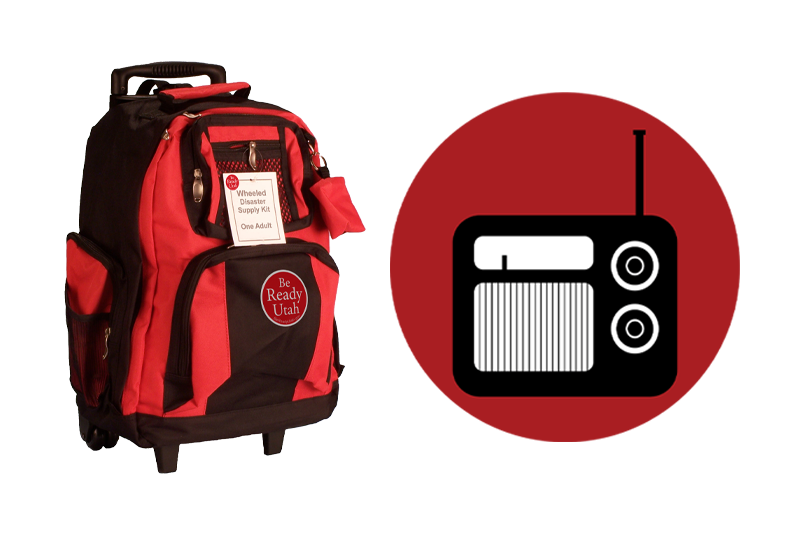
Disaster supply kits need to be unique for each individual according to your own needs, abilities, and wants. "Be ready" with communication items in your emergency kits.
Emergency signaling
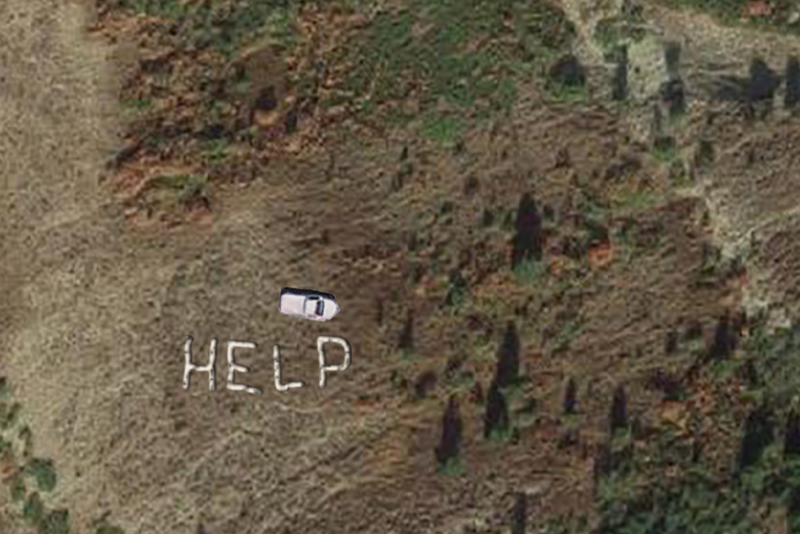
If you don't have a working phone and are far from other people, you need to know other ways to call for help.
Learn how to send different kinds of signals for rescue.
More information
Videos
- The Be Ready Buzz: Important Contact Information
- The Be Ready Buzz: Emergency Whistles
- The Be Ready Buzz: Emergency Community Communication
- PrepCast: Emergency Communication
- 20 to Ready: Make a Communication Plan
- FCC: Wireless Emergency Alerts
- FCC: Emergency Communications Tips
- Ready.gov: Don’t wait. Communicate.